
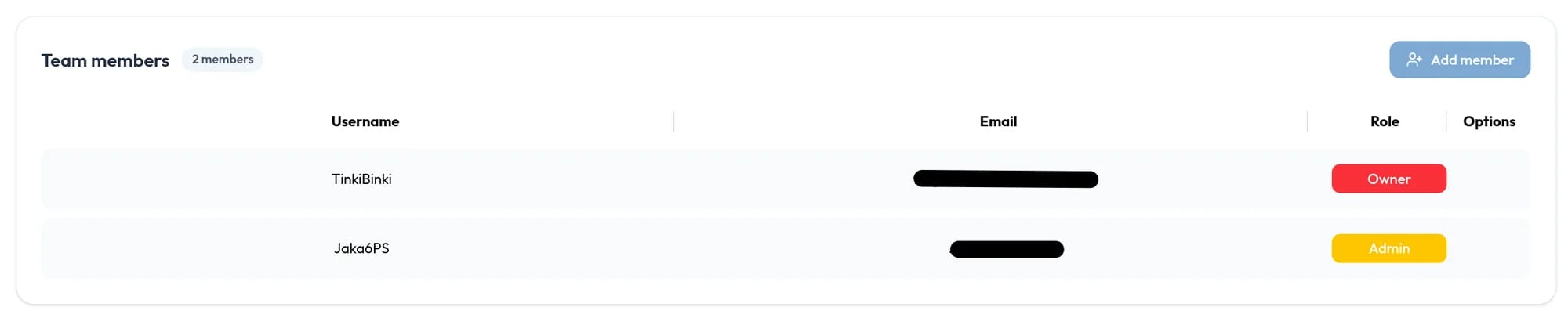
Inviting someone
Owners and admins click Add member, enter the person’s email, and choose Admin or Member. The person must already have an account on studio.6ps.si. They are listed as Pending until they accept.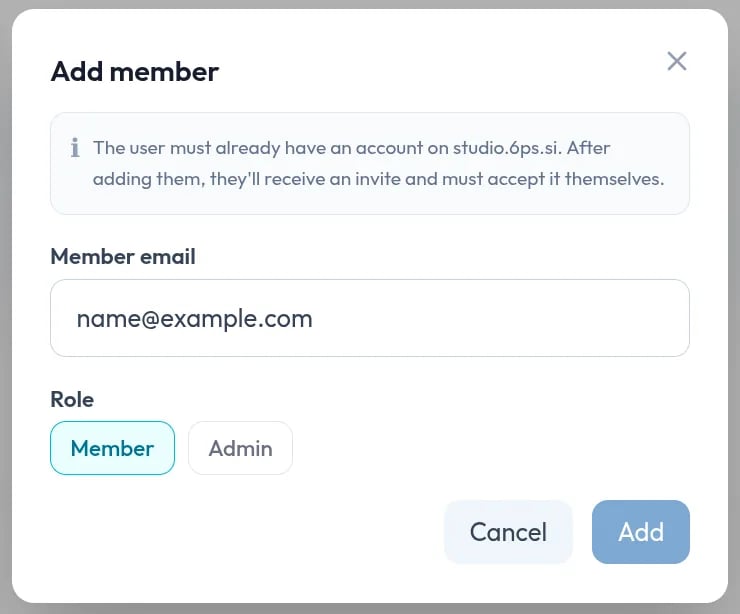
Accepting and declining
An invited person sees a Team invite window when they sign in, and the invite is also listed under Pending invites in their Team tab. They click Accept or Decline.Roles
The Team members list uses three roles.Managing members
- Change a role. Only the owner can, from the Role column or the Options menu.
- Remove someone. Choose Remove from team in the Options menu. Owners can remove admins and members, and admins can remove members.
- Revoke an invite. Click the x on a Pending row.