Two kinds of buttons
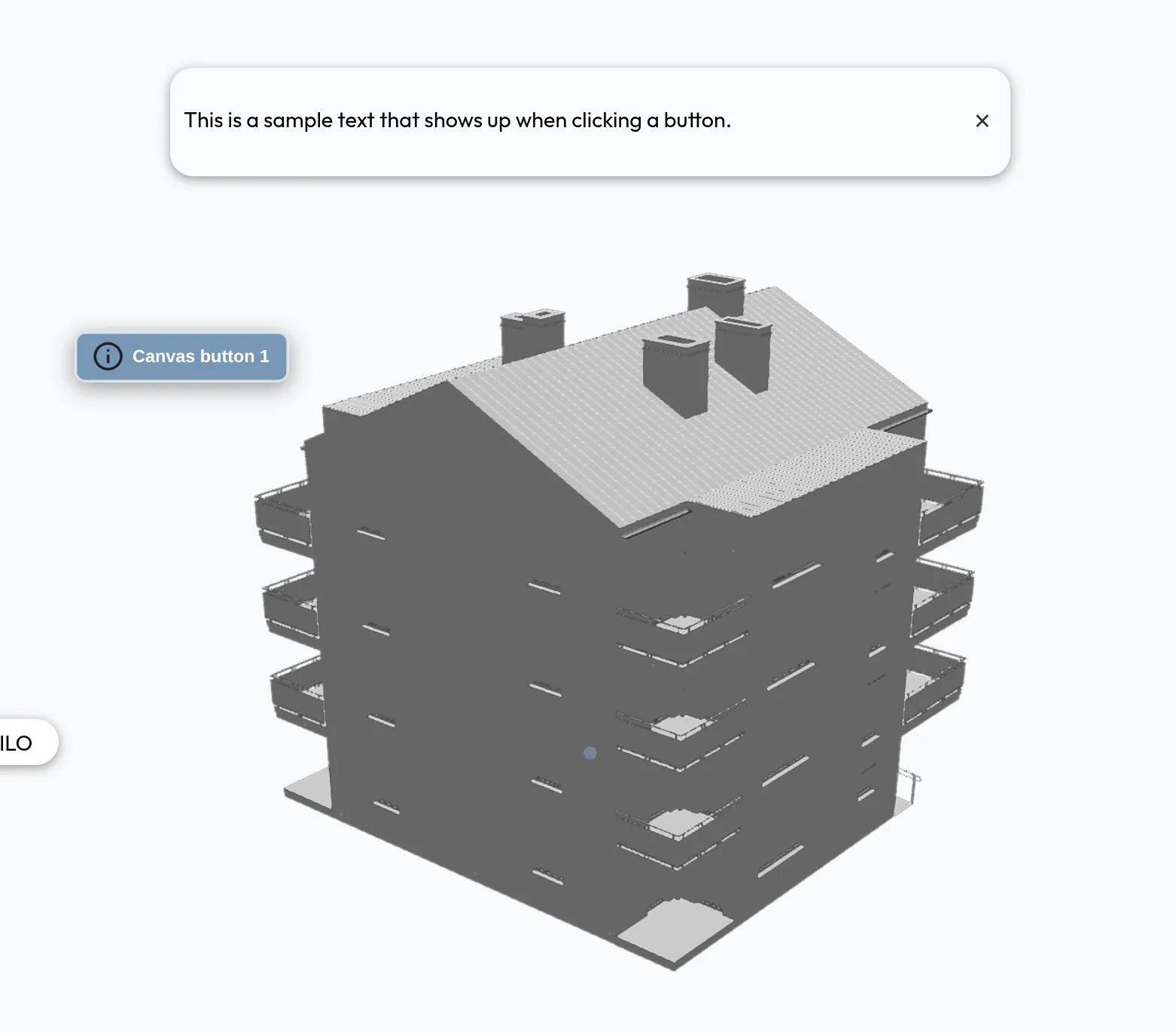
Use an on-screen button for something that should always be visible, such as a link to your website. Use a 3D button to label a specific part of the model.
Adding a button
1
Add the button
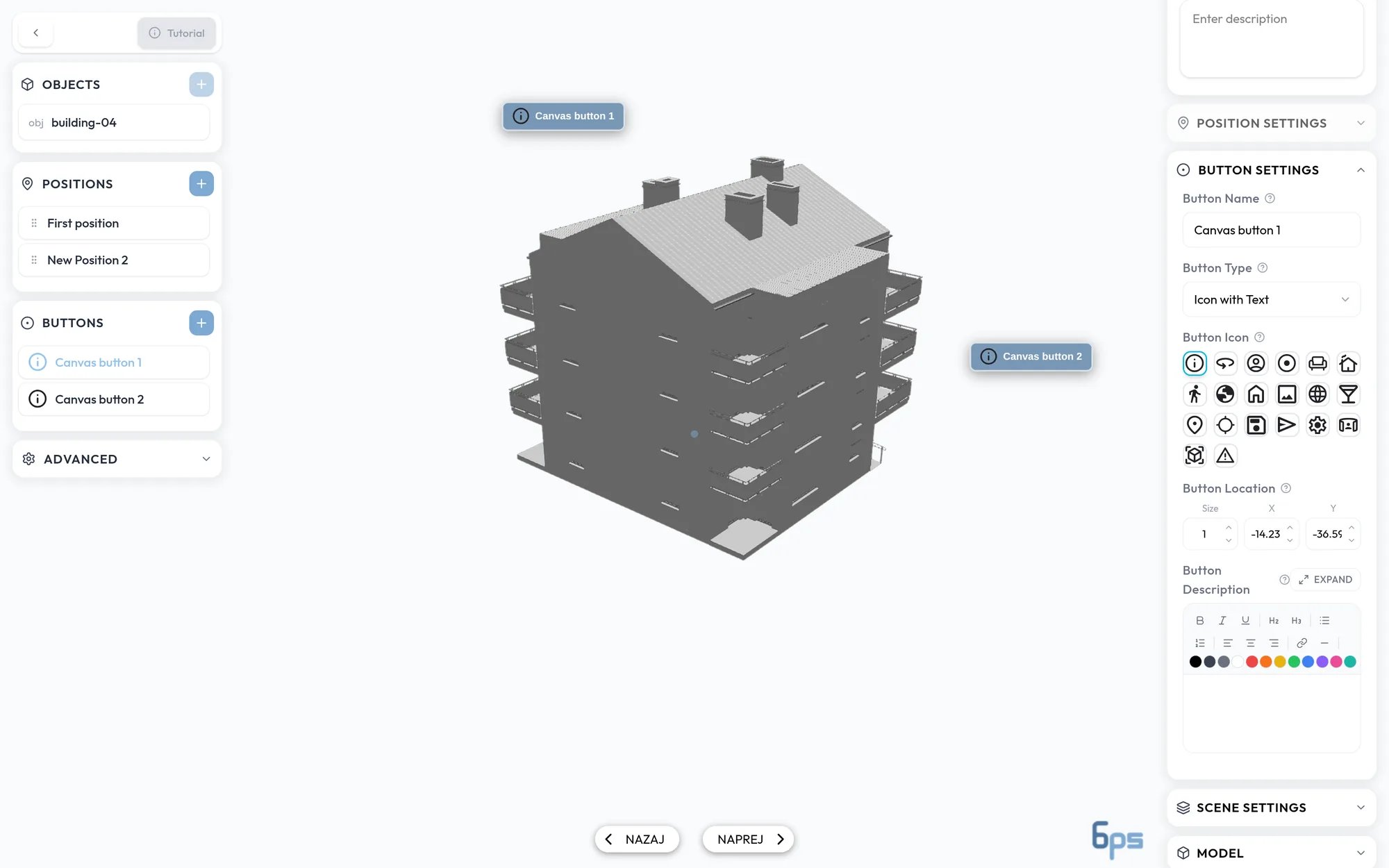
Click + in the Buttons panel. A new on-screen button appears in the viewer and its settings open.
2
Place it
Drag the button in the viewer, or type its values under Button Location.
3
Set what it does
Choose a Button Type and fill in its content.
Button types
Button Name is an internal label for the editor’s list. Visitors do not see it.