
Before you start
- You need a JPG, PNG, or WebP image. Each file can be up to 30 MB.
- Sign in to generate a result.
- Each generation uses AI tokens. The cost appears under the generate button, and your balance at the top of the page.
- Open it from Choose Project Type in your library.
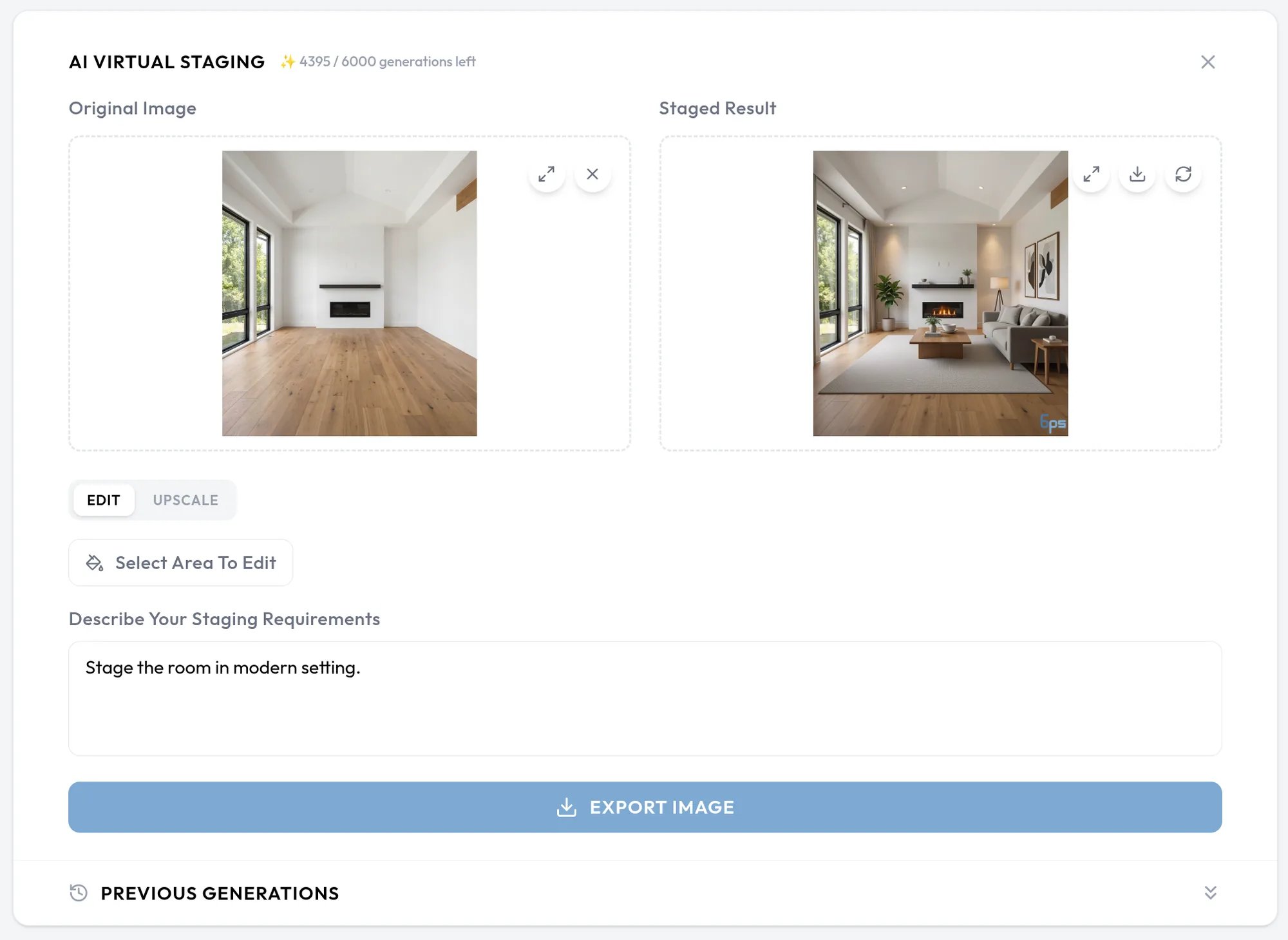
Edit an image
1
Add your image
Drop an image onto the Original Image panel, or click Browse. Leave the mode on Edit.
2
Describe what you want
Write your request in Describe your staging requirements. Name the furniture, where it goes, and the style. For example: “Add a modern grey sofa on the left side, wooden coffee table in center, minimalist style.”
3
Generate
Click Generate Edit. The result appears in the Staged Result panel when it is ready.
Edit one area of a photo
On a regular photo, click Select area to edit, draw a rectangle over the part you want to change, and click Done. Your description then applies to that area only.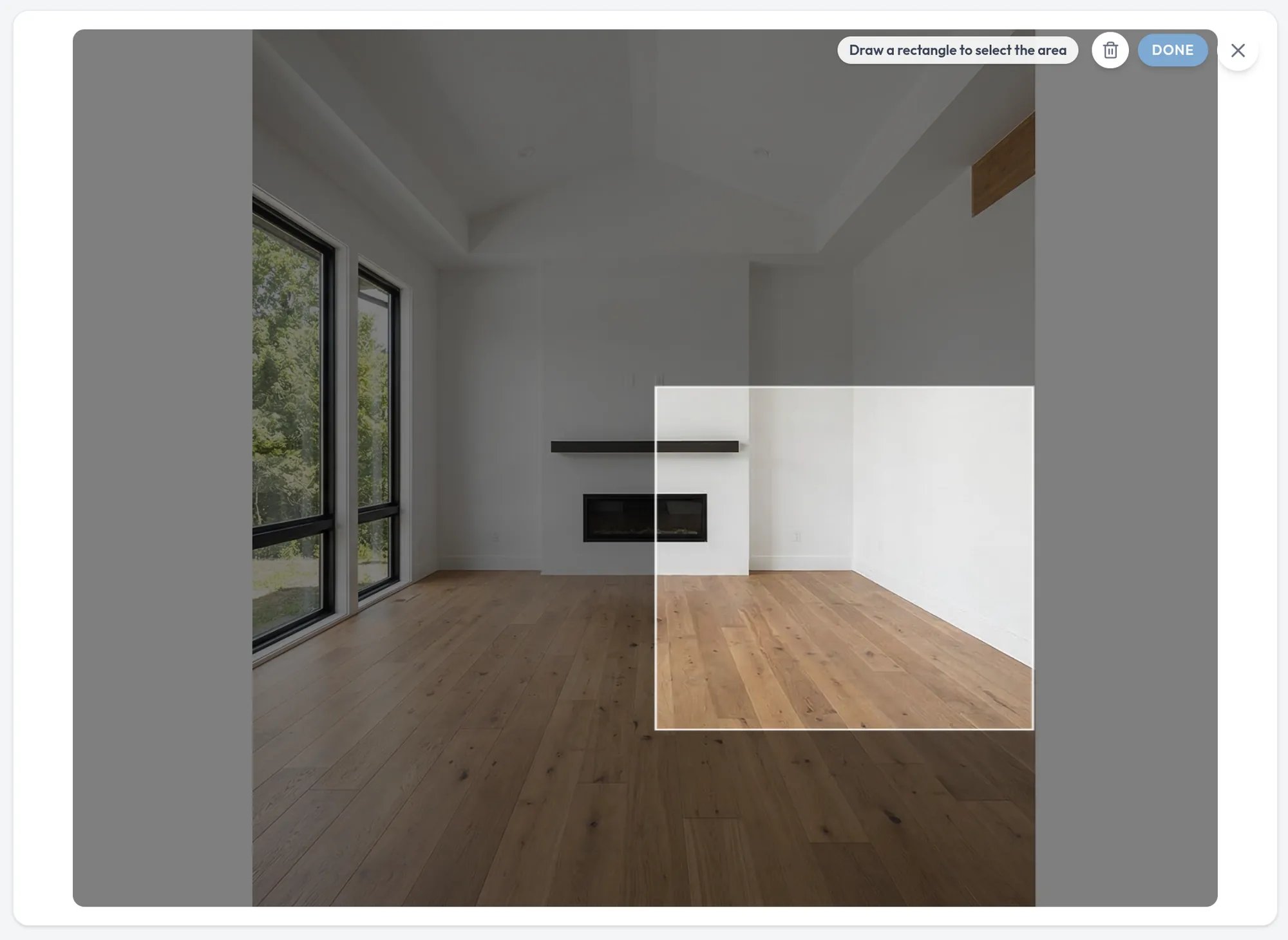
Panoramas
A 2:1 image is recognized as a 360° panorama, and Studio corrects the seam where it wraps around. Click Switch to standard if it is a regular photo. Panoramas get a Renovate checkbox. Turn it on to renovate the floor, walls, and ceiling as well as furnish the room, and describe both.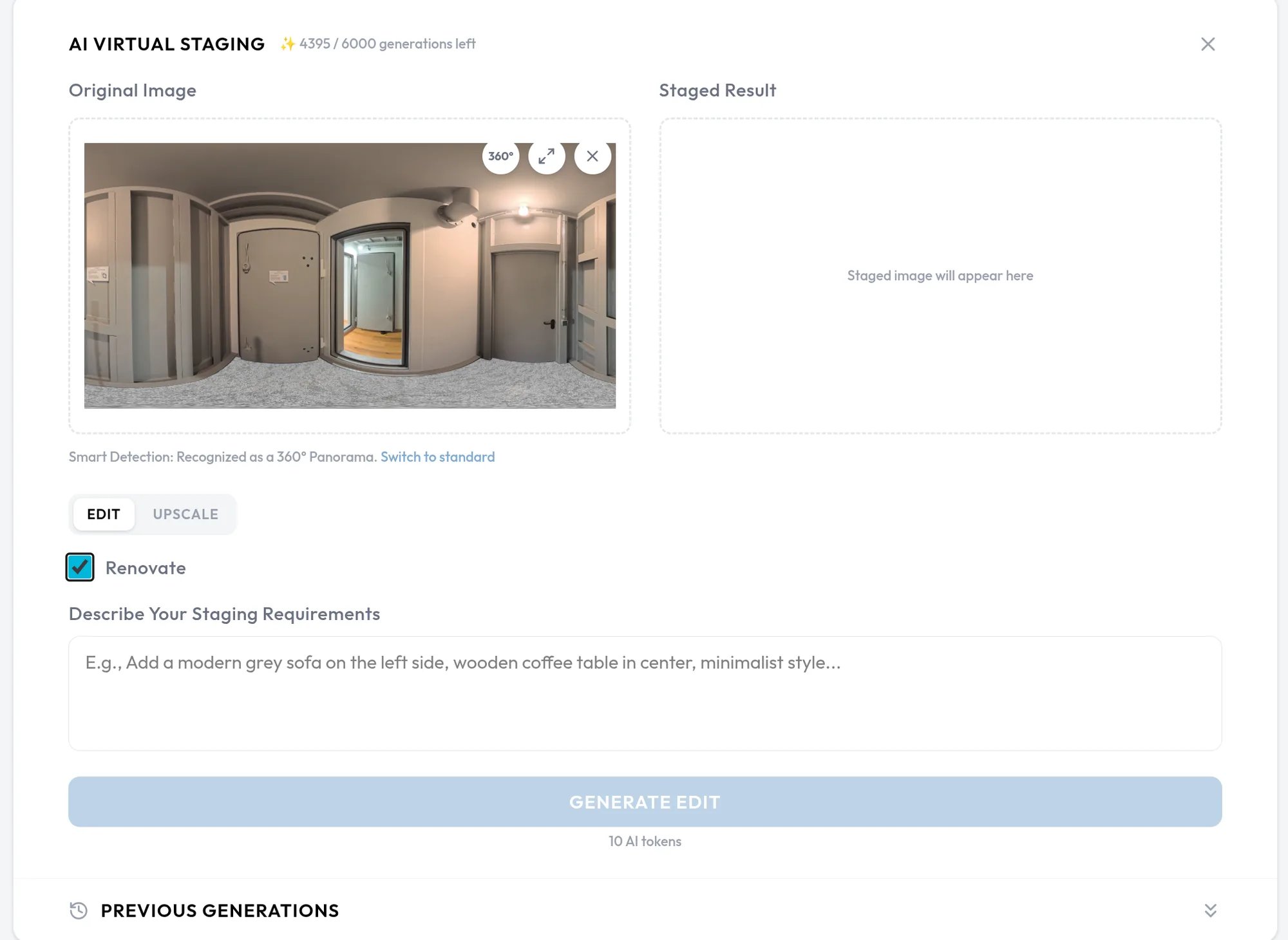
Upscale an image
Select Upscale in the mode toggle, add your image, and click Upscale Image. Upscale mode needs no description.Review and download your result
The Staged Result panel lets you expand the image, open a panorama in a 360° viewer, download it, or start over. On a phone, the page is split into screens. Tap View result to see the result and View history for earlier generations.AI output is watermarked on the free plan. The watermark is applied when the image is shown, so it disappears from your results when you move to a plan without one.
Previous generations
Previous Generations, at the bottom of the page, lists your past results. Click See to load one back into the upload area.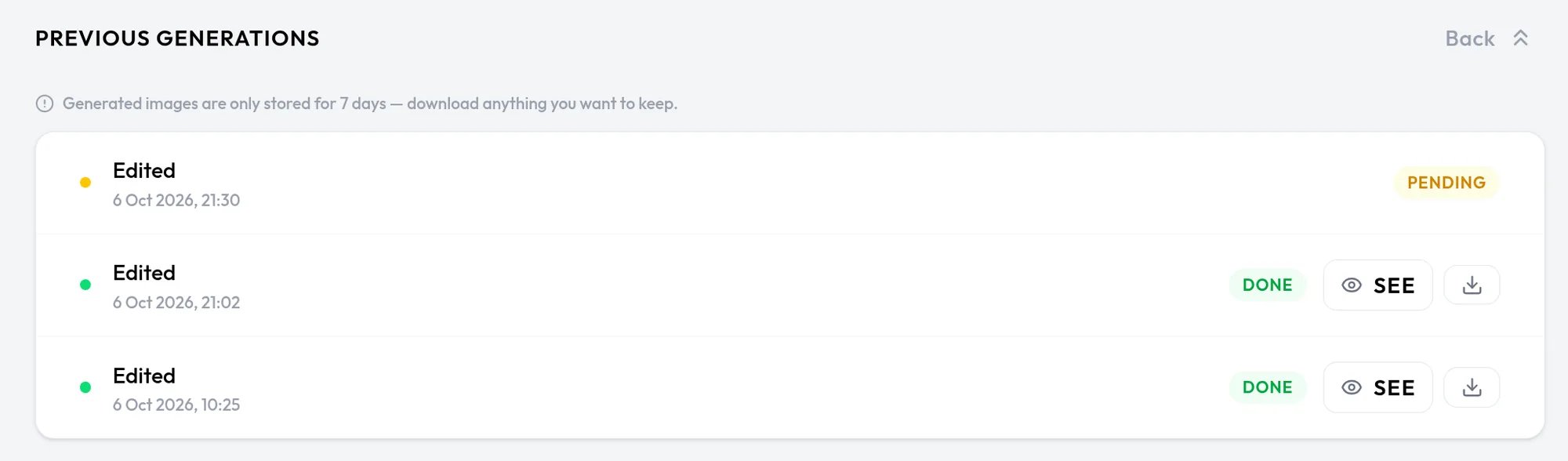
Related pages
AI room editing
Edit panoramic rooms directly inside a virtual walkthrough.
AI render
Create AI renders from the 3D Editor.